

When Is a Rugged Laptop Better Than a Standard Business Laptop?
A standard business computer may perform well in an office, but fieldwork introduces risks that ordinary hardware was never designed to handle. A rugged laptop is built for professionals who work around drops, vibration, dust, moisture, temperature changes, and frequent transportation. Understanding when this added protection is necessary can help organizations reduce device failures and select computers suited to actual working conditions.
What Makes a Laptop Rugged?
Rugged computers use protective design features intended to limit damage caused by demanding environments. Depending on the model, these features may include reinforced frames, shock-mounted internal components, covered ports, spill-resistant keyboards, strengthened hinges, and screens designed for outdoor use.
Many rugged models are tested against selected methods from standards such as MIL-STD-810G or MIL-STD-810H. These test frameworks may cover shock, vibration, humidity, altitude, rain, dust, and temperature exposure.
Buyers should remember that a reference to military standards does not mean every computer completed every available test. The manufacturer’s test methods, conditions, and supporting documentation should always be reviewed before purchase.
Work Environments That Require Rugged Hardware
Rugged computers are valuable when physical hazards are part of the normal working day rather than rare accidents.
Construction supervisors may need to review plans, update schedules, and document progress in dusty or wet conditions. Utility technicians often work from service vehicles and outdoor locations where equipment is exposed to vibration and temperature changes. Public-safety teams may require dependable access to maps, dispatch systems, reports, and communication tools while operating from moving vehicles.
Manufacturing plants, warehouses, oil and gas facilities, transportation fleets, and agricultural operations can present similar challenges. In these settings, a damaged laptop may interrupt inspections, delay reporting, or leave employees without access to important operating information.
Key Features to Compare
Durability is only one part of choosing a field computer. The laptop must also support the user’s daily tasks.
Outdoor Display Visibility
A bright display with an anti-reflective surface can make information easier to read in direct sunlight. Some models also provide touchscreens that work with gloves, rain, or a stylus. Buyers should assess the display under conditions that resemble the intended workplace.
Battery Options
Field teams may not have regular access to electrical outlets. Long battery life, removable batteries, and hot-swappable battery systems can help users continue working across extended shifts. Battery performance should also be considered when equipment will operate in very hot or cold conditions.
Ports and Connectivity
Older machinery and field instruments may require serial ports, Ethernet connections, or other interfaces that are uncommon on consumer laptops. Mobile teams may also need cellular broadband, GPS, Wi-Fi, Bluetooth, or dedicated antenna connections.
The required ports and wireless features should be identified before choosing a model. Adapters may work in an office but can become inconvenient or vulnerable in the field.
Vehicle Mounting and Docks
Laptops installed in police vehicles, ambulances, utility trucks, or industrial equipment need secure mounting systems. Compatible docks can provide power, antenna connections, and access to peripherals while keeping the computer stable during travel.
The laptop, dock, and mount should be assessed as one working setup. Compatibility problems discovered after purchase can increase costs and delay deployment.
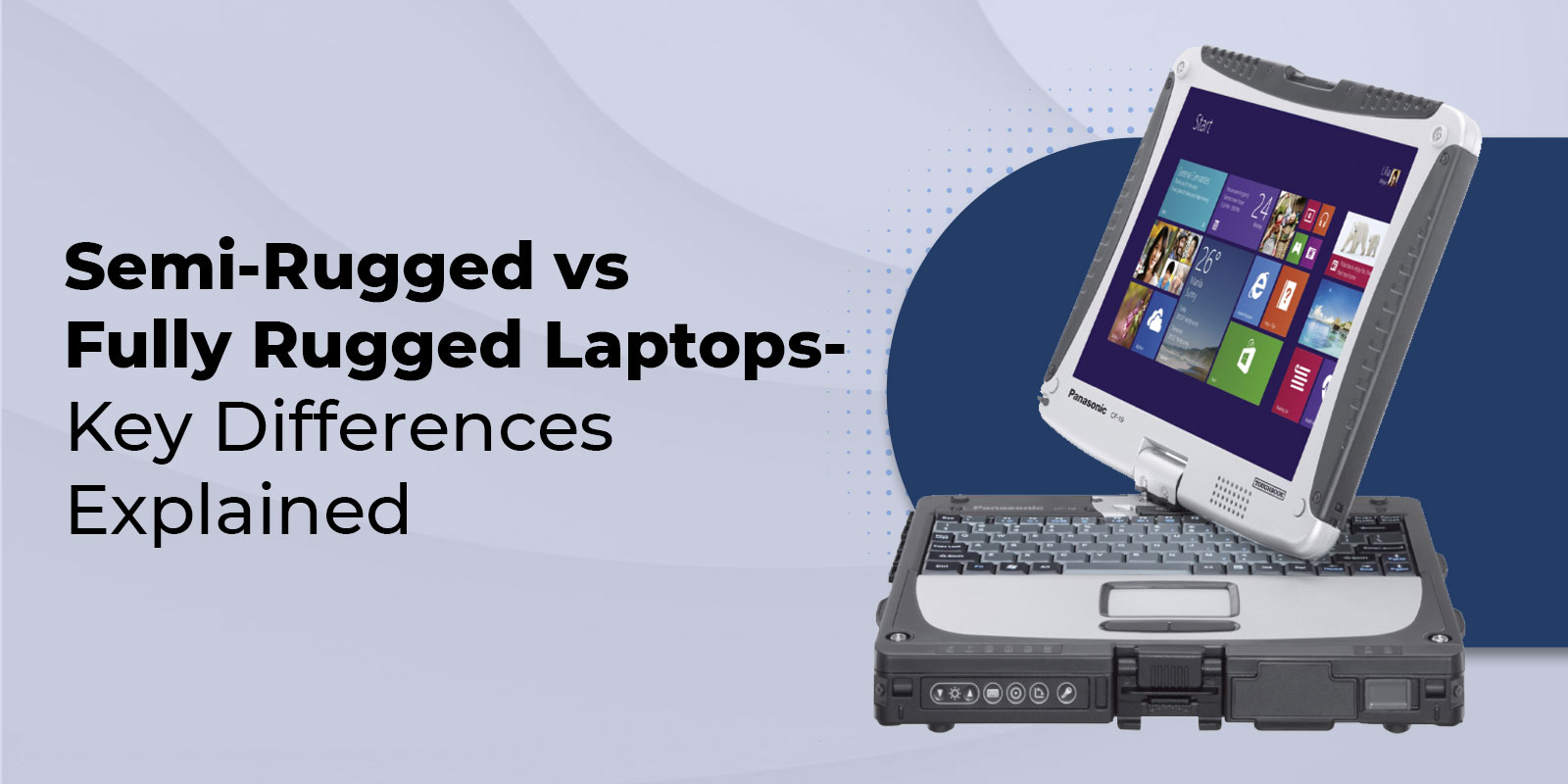
Fully Rugged or Semi-Rugged?
Not every organization needs the highest level of physical protection. Semi-rugged laptops may suit mobile professionals who move between offices, vehicles, warehouses, and sheltered job sites. These models generally offer greater durability than conventional business computers while remaining relatively portable.
Fully rugged laptops are intended for more demanding environments involving repeated drops, heavy vibration, dust, rain, or substantial temperature exposure. They often include sealed designs, stronger protective structures, and additional field-focused features.
Choosing between the two categories should be based on documented workplace risks. Purchasing too little protection can lead to repeated failures, while buying more protection than necessary may increase weight and upfront expense without providing a practical benefit.
Consider the Total Cost of Ownership
Rugged computers generally cost more initially than standard laptops. Purchase price, however, is only one part of the financial decision.
Organizations should also consider repairs, replacement devices, employee downtime, lost field information, technical support, and the labor required to configure new computers. A less expensive laptop that repeatedly fails may cost more over its working life than a properly selected rugged model.
Warranty terms, replacement-part availability, repair services, and model support periods should be reviewed before a large deployment. Standardizing compatible laptops, docks, batteries, chargers, and accessories can also simplify equipment management.
Choose a Laptop for the Job, Not the Label
A rugged designation should never replace a careful review of the working environment. Buyers should identify likely hazards, required software, connectivity needs, screen conditions, battery demands, and mounting requirements before comparing models. They should then review test documentation and configurations to determine whether each device can meet those needs.
Organizations that need dependable computers for field, vehicle, industrial, or public-safety work can visit Tough Rugged Laptops to compare available models, configurations, accessories, and purchasing options for their operating requirements.
